Player Requests Portal
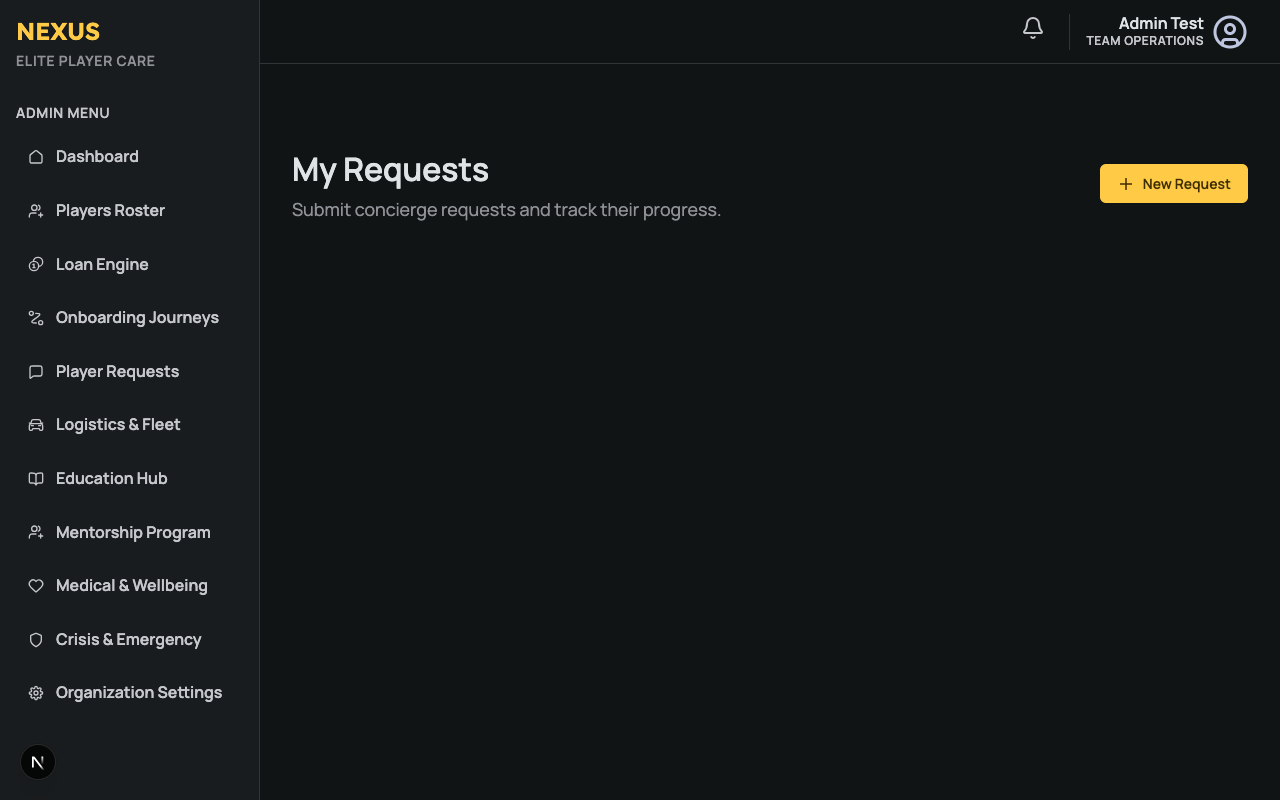
The Player Requests Portal is the athlete-facing interface for the Concierge and Logistics system. From this portal, players can easily submit requests and communicate with staff without navigating through complex menus.
Overview
When an athlete accesses the Player App, they can navigate to My Requests. This portal provides a streamlined view of:
- Active Requests: Any ongoing concierge or logistics requests they have submitted.
- Request History: Past requests that have been resolved.
- Status Updates: Real-time visibility into whether a request is "New", "In Progress", or "Resolved".
Submitting a New Request
Athletes can submit a request in just a few taps:
- Click the New Request button.
- Select the Category (e.g., General Concierge, Restaurant / Dining, Event Tickets, Personal Travel). Note: These categories are customizable by your organization's administrators.
- Provide the details of the request in the description box.
- Click Submit Request.
Once submitted, the request immediately appears on the Admin Staff Dashboard in the Logistics & Concierge module, and staff are notified.
Communication Thread
Each request features an integrated communication thread.
- Staff Replies: When staff members update the request or leave a comment from the Admin portal, it appears directly in the athlete's request timeline.
- Player Replies: Athletes can reply directly to the thread to provide additional details, flight preferences, or dining times.
This ensures all communication regarding a specific task is centralized and auditable, eliminating the need for disjointed WhatsApp or email chains.