Player 360 & Roster Management
The Roster module is the beating heart of the Elite Athlete Nexus. From here, you can invite new athletes, manage team assignments, and view the comprehensive Player 360 Dashboard.
1. Roster Overview
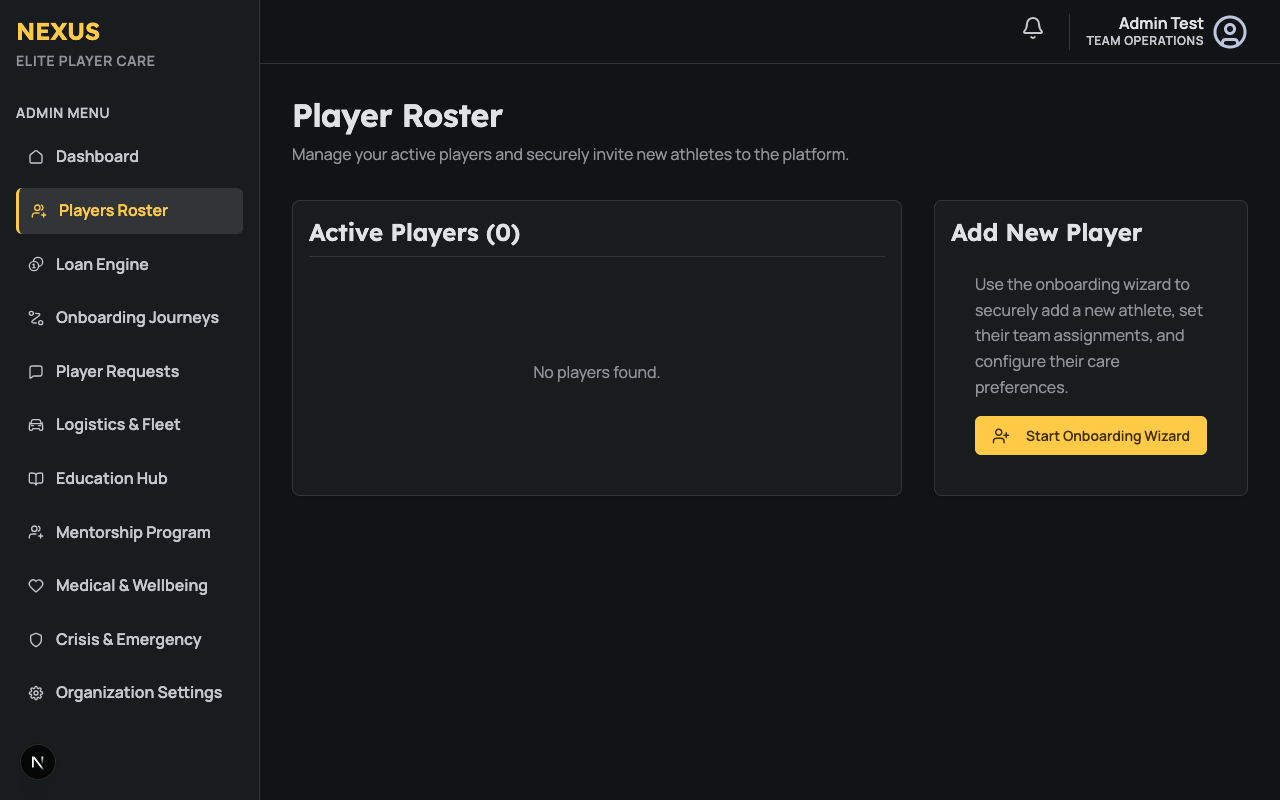
The Roster page lists all active and pending players in your organization.
2. The Player 360 Dashboard
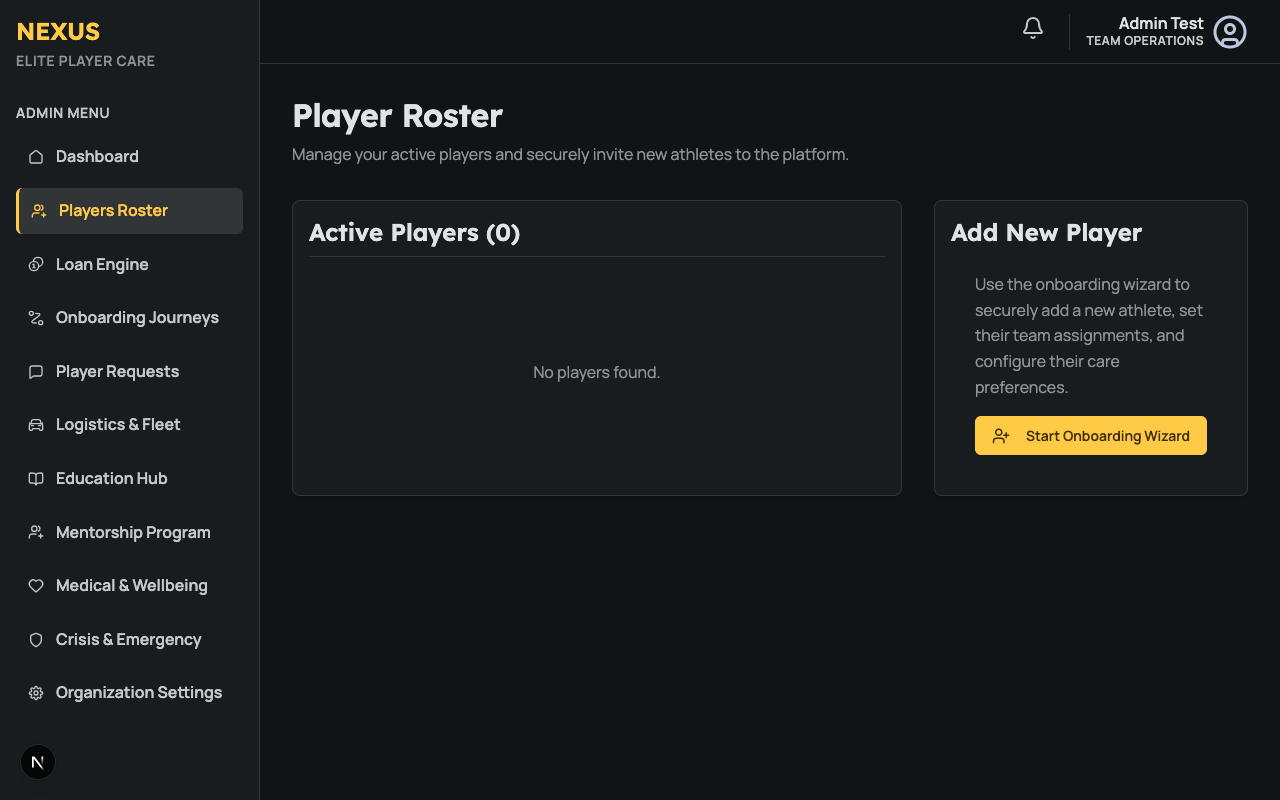
Clicking on any player's name opens their Player 360 Dashboard. This provides a holistic view of their current status:
- Vitals & Wellbeing: A snapshot of their latest daily check-ins.
- Task Progress: See what tasks or requests are currently open for this athlete.
- Education Milestones: Track their progress in the Education Hub.
3. Onboarding New Athletes
Inviting a new athlete is frictionless.
- Click "Invite Player" from the Roster.
- Enter their Email and Team assignment.
- They will receive a secure Magic Link to set up their account without needing a password.